

To embed the live shopping channel (or split it into modular sections), see Channel page layout.
Opening the live stream player with Videowise’s global helper function
Videowise provides a helper onwindow that opens the live stream player from any page. Attach it to a click handler and pass the live stream ID from the Videowise app.
Launch live stream
lsId on LiveShoppingChannel. See Live Shopping Channel.
Minimize or maximize the live player
window.videowiseChangeLivePlayerSize is defined on the storefront page (window.top) by the live iframe-embed script — the same parent window as videowiseLaunchLive. It is not available inside the player iframe. Call it from theme or custom JS on the host page.
true expands to fullscreen; false collapses to the mini player. If the player is not open, the call is a no-op.
Storefront (parent page)
videowiseLaunchLive or a vwLsId auto-launch). It uses the same path as tapping the player to expand or the close-fullscreen control to collapse.
This helper is for the web iframe player. It is not used in the React Native SDK.
Auto-launching the live stream player via URL parameter
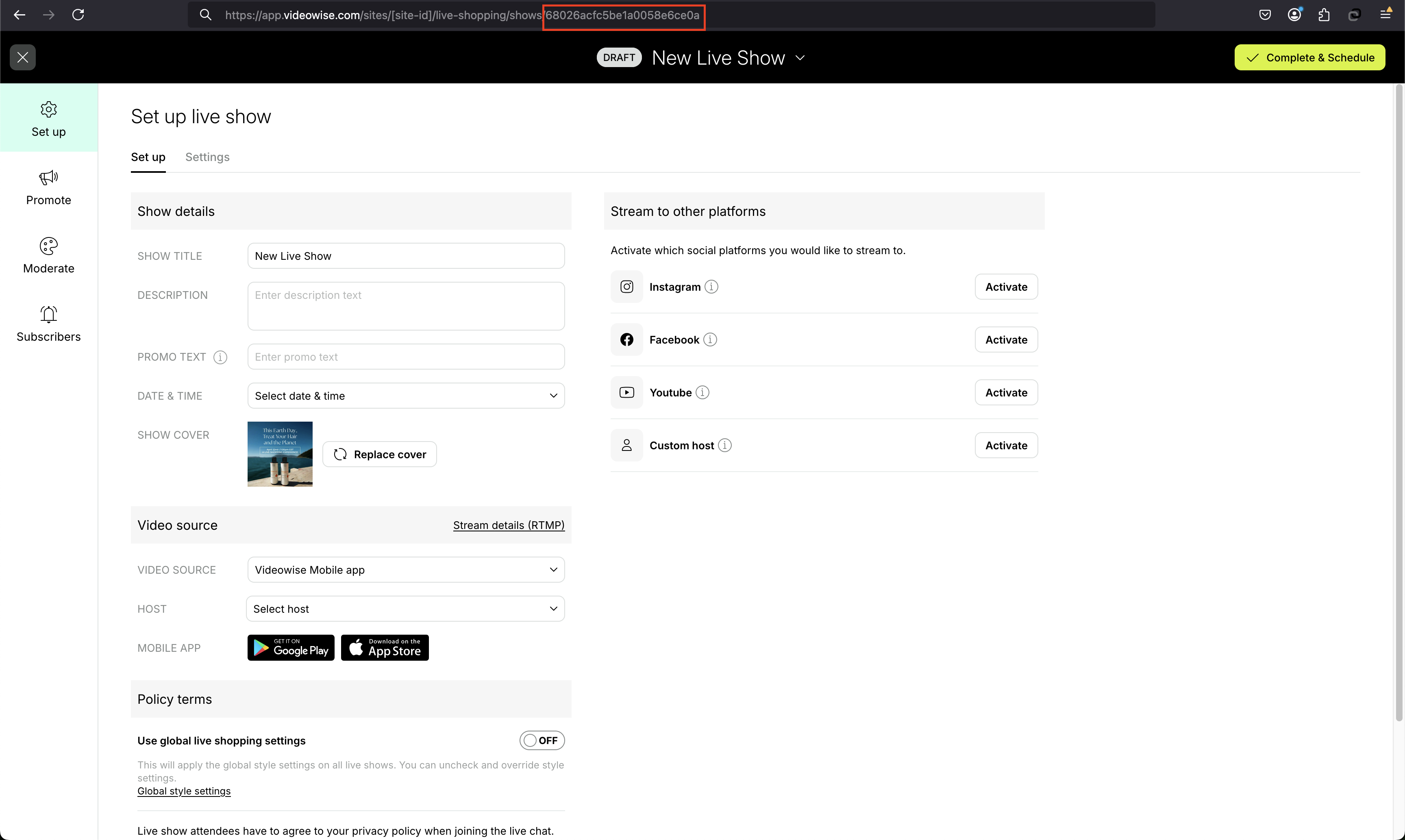
WhenvwLsId is present in the page URL and contains a valid live stream ID, the player launches automatically. Use this for shareable links that start playback on load.
Auto-launching
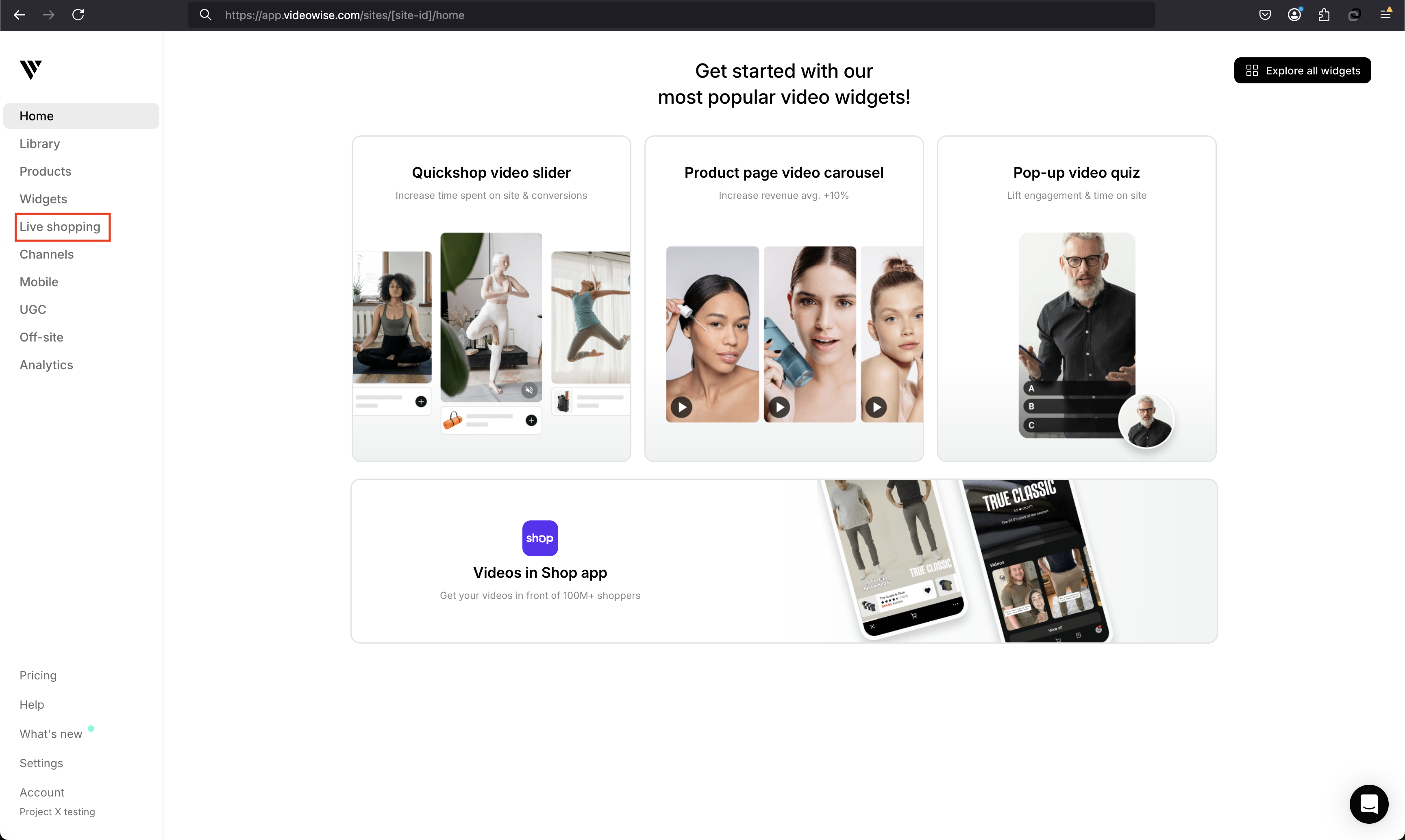
1. Go to live shopping
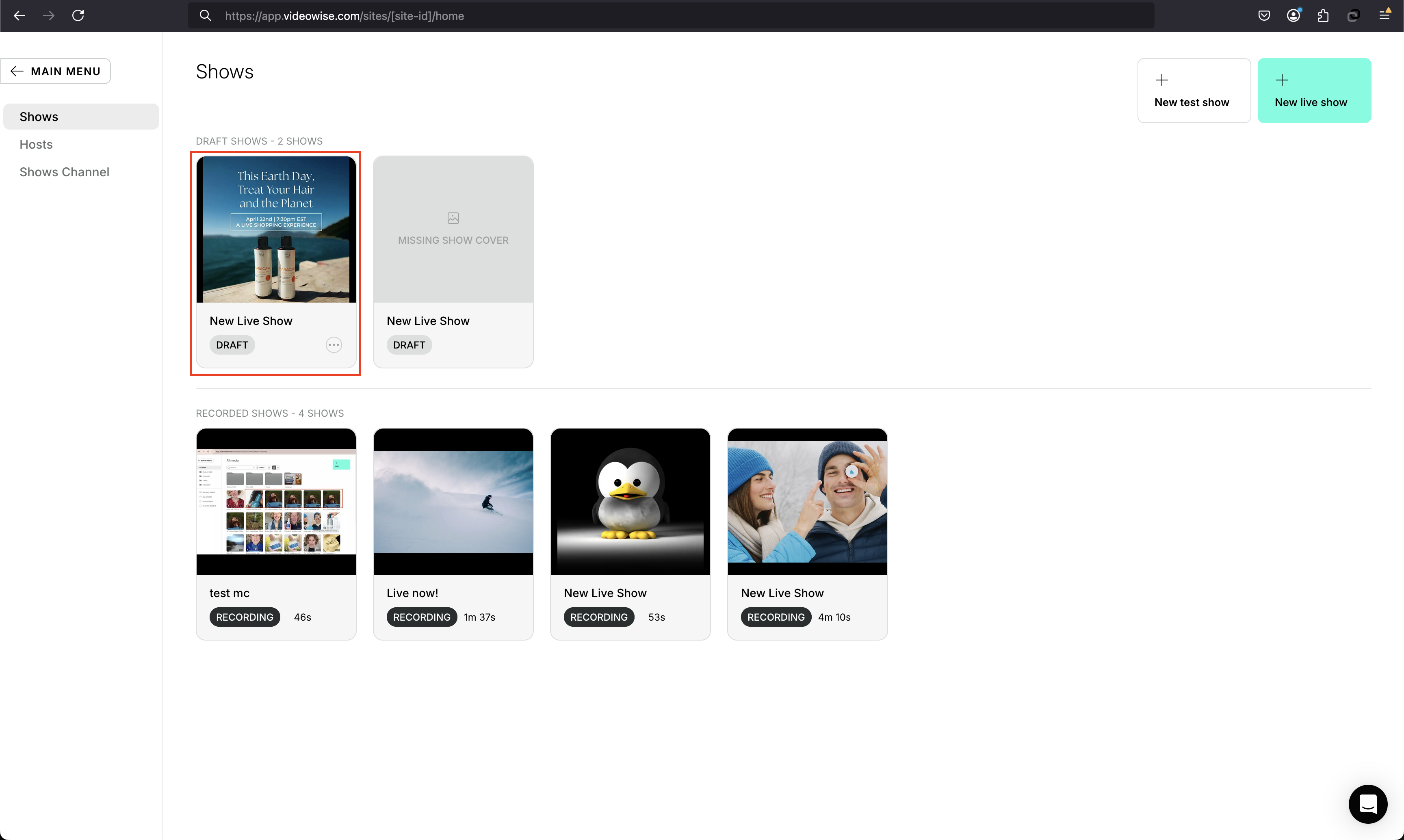
2. Open the live show
3. Copy the ID from the URL
Related
- Live shopping overview
- Channel page layout
- Live shopping custom events
- Custom platforms
- Order tracking — attributes live checkouts via
reeview_lsid - Cookies —
reeview_lsidis set when a show is opened